
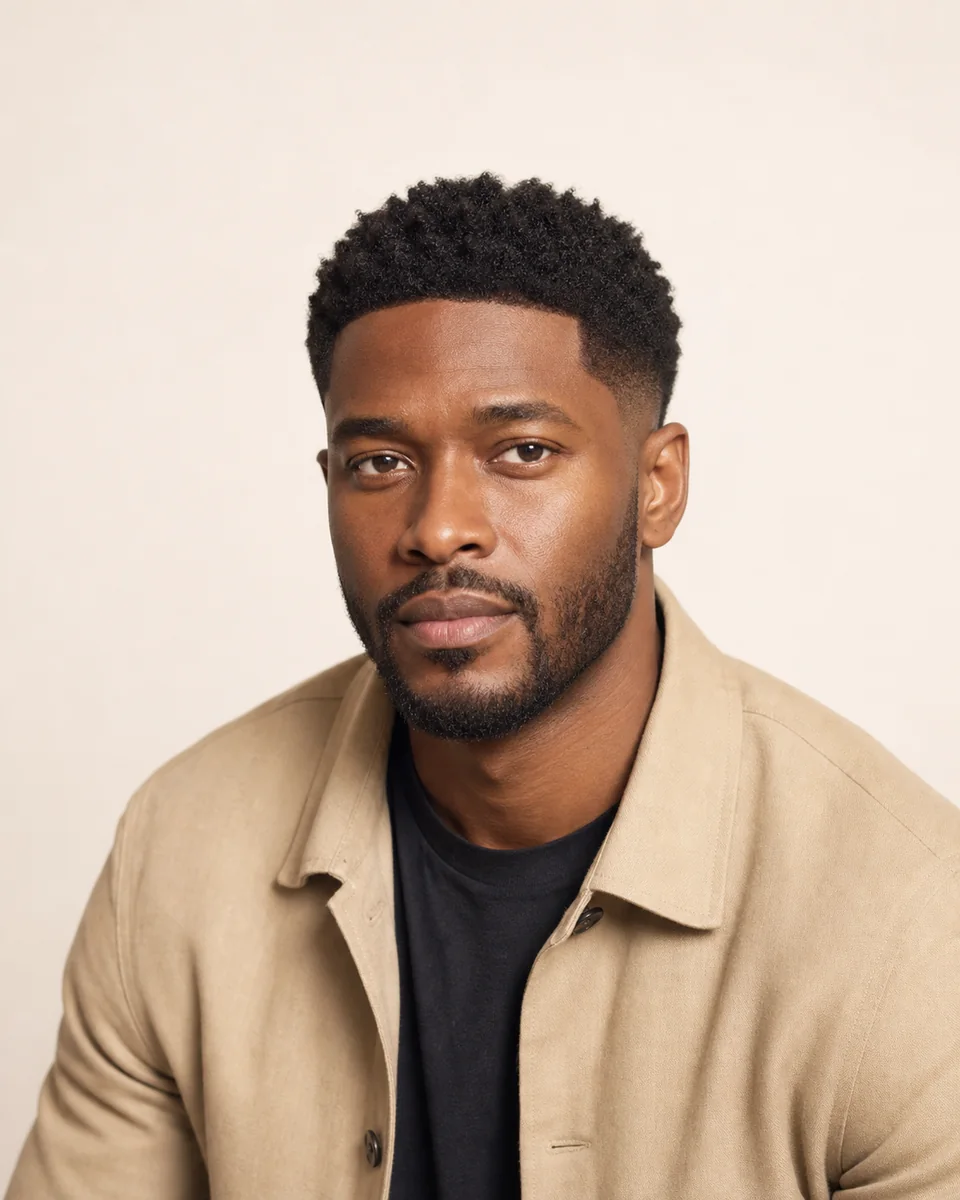
Refined low taper
A softly textured top with a clean, low tapered edge.
MEN’S HAIRCUTS, YOUR PHOTO
Compare real haircut shapes before you choose what to ask for.
Private generation for comparing haircut structure, without automatic face-shape diagnosis.
COMPARE THE STRUCTURE
A men’s hairstyle simulator should show the haircut on your photo, not give you a generic model image. HairWhatIf keeps your face, pose and background as the baseline while applying one selected hairstyle.
Start with a close buzz cut, a tapered shape, a textured crop or a longer parted style. The preview helps compare structure; it does not diagnose face shape or declare one haircut objectively best.
CLOSE AND TEXTURED CUTS
A softly textured top with a clean, low tapered edge.
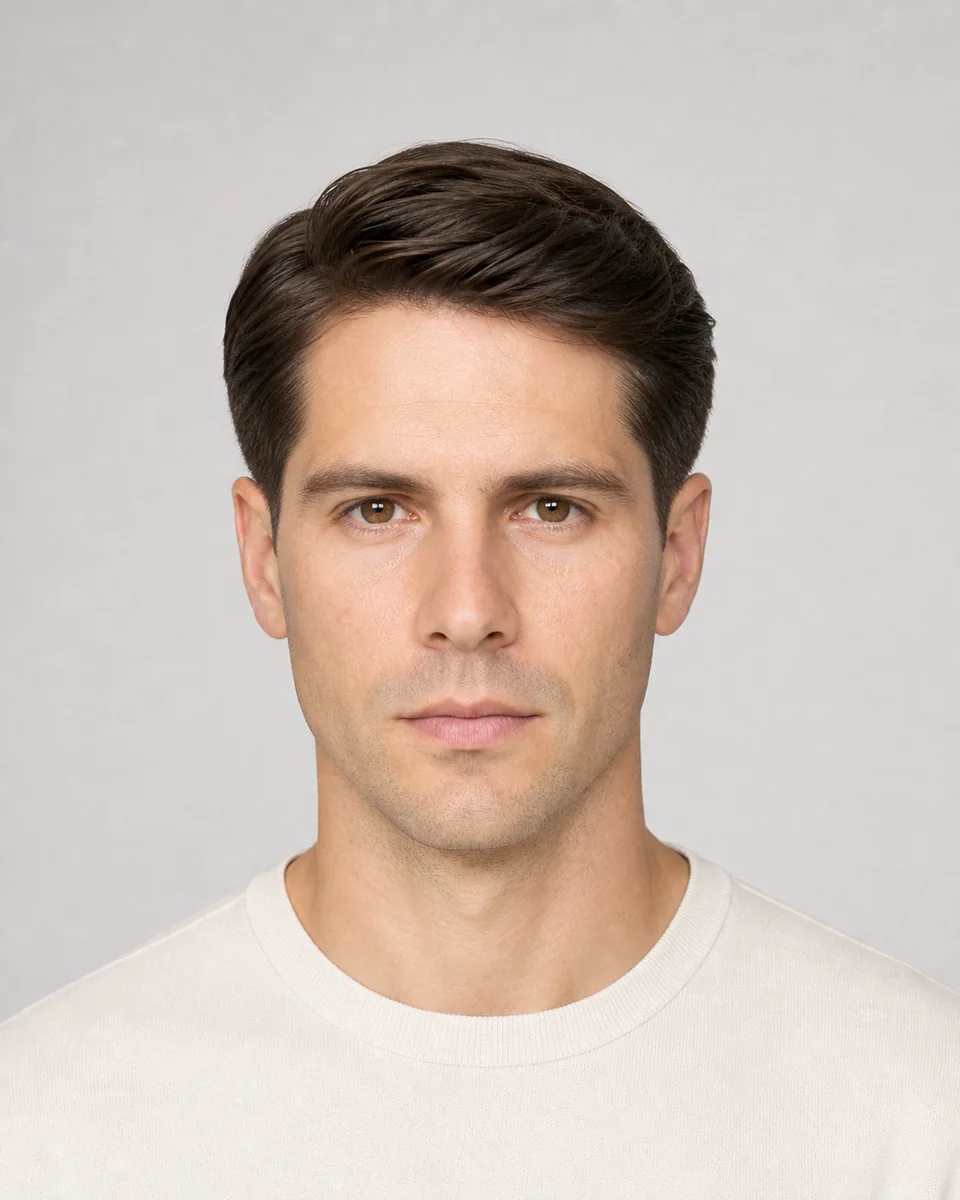
A timeless scissor-cut top blended gradually shorter at the sideburns and neckline without exposing skin.

An even ultra-short clipper cut across the entire head with a clean natural outline.
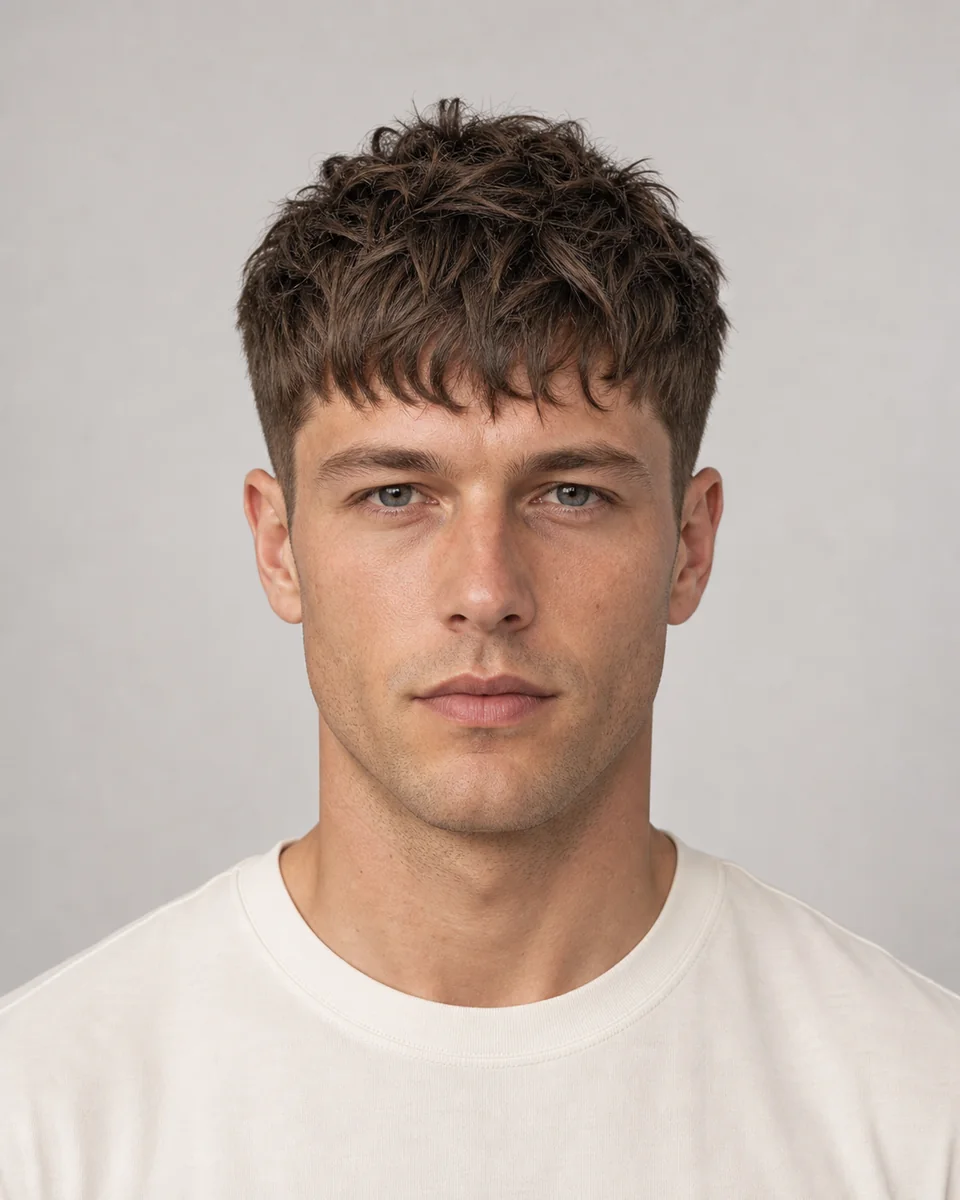
A short layered top with dense piecey texture and a broken forward fringe.
PARTED AND TWO-BLOCK SHAPES
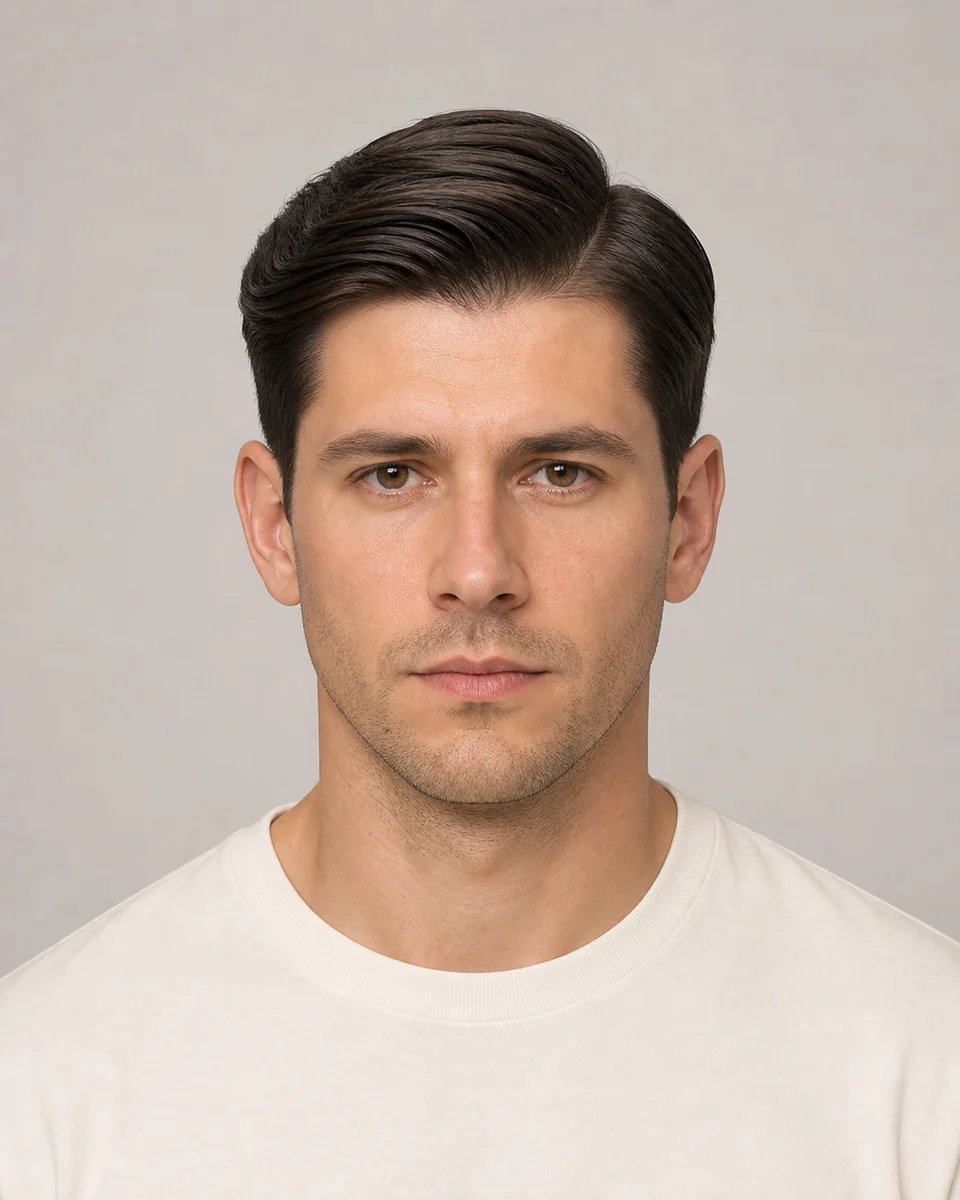
A smooth combed top divided by a natural side part over neatly scissored sides.
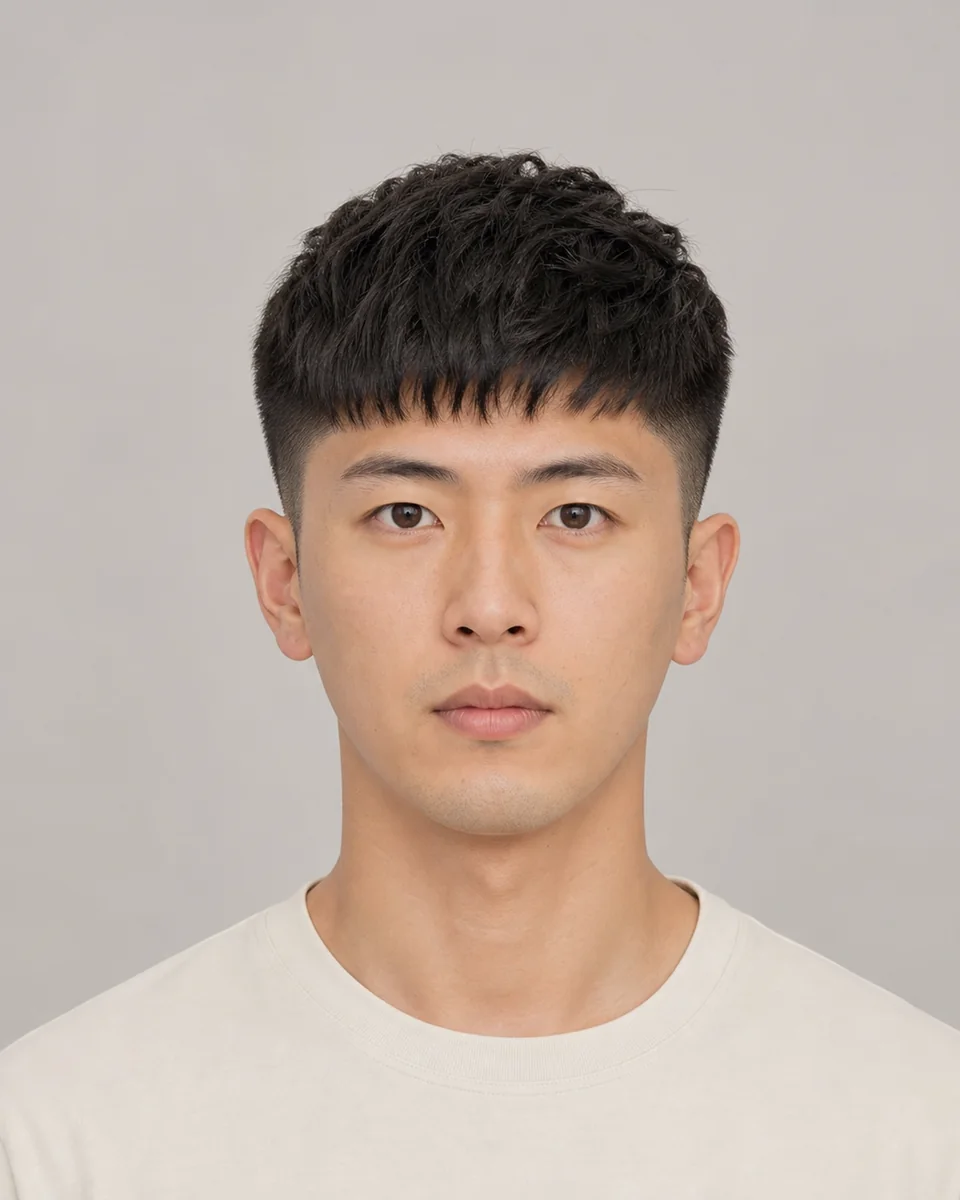
A compact two-block with close sides and a short textured top ending in a neat forward fringe.

Medium top layers parted at the center and curved away from the face in soft symmetrical curtains.
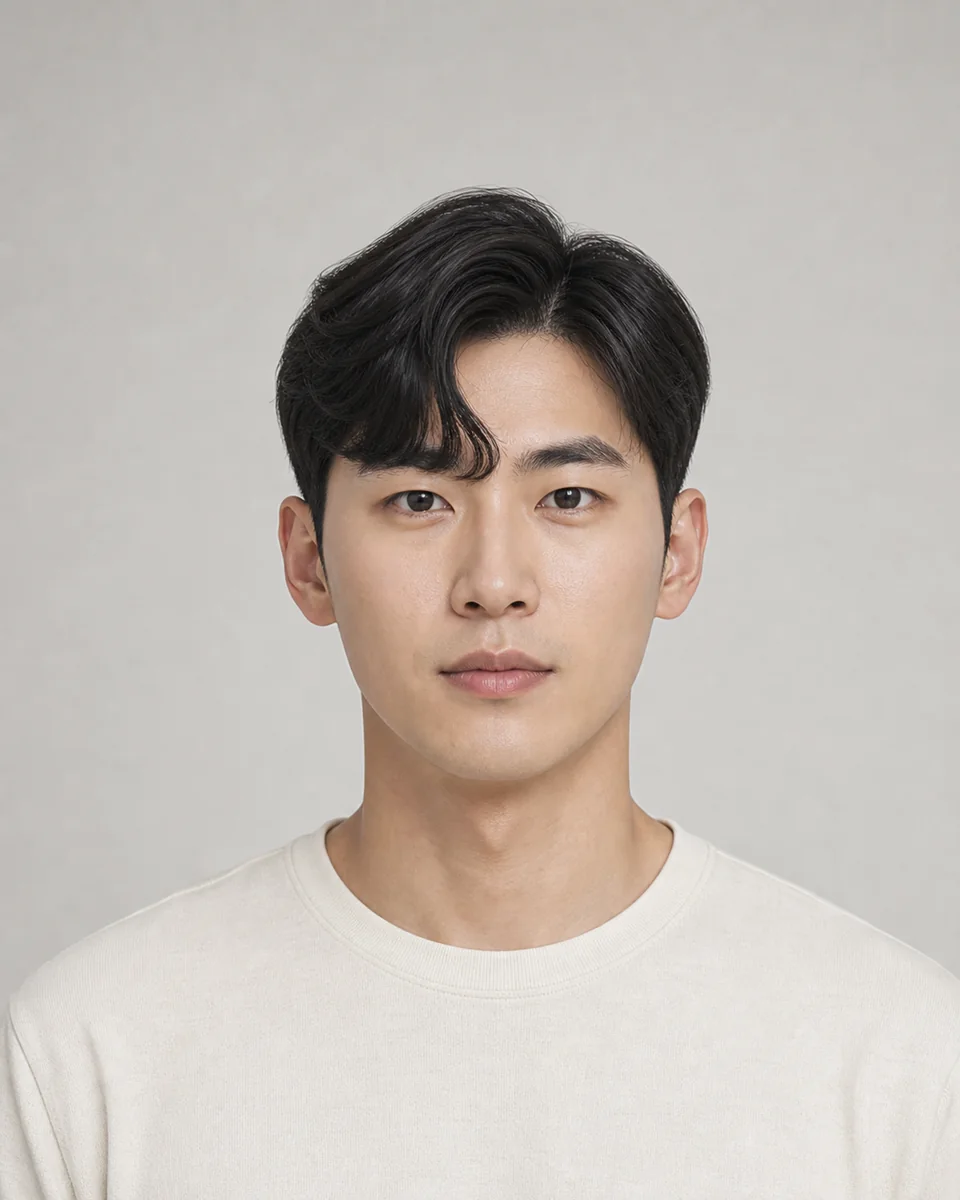
A side-parted Korean fringe with one thick front section curved inward like a comma over the forehead.
WHAT TO COMPARE
Compare how much the cut exposes the temples, ears and neckline. This separates close clipper cuts from scissor-cut tapers and longer two-block shapes.
Look at height, fringe, part and texture on top. A crop moves forward, a side part moves across, and a two-block keeps more length over shorter sides.
Ask a barber how often the outline needs cleaning up and whether your density, growth pattern and texture can hold the shape.
THREE-STEP PREVIEW
01
Pick a preset by length, side treatment and top shape instead of relying on a broad style label.
02
Use a front-facing or slight-angle photo with the hairline, ears and jaw visible.
03
Compare the result with other shapes, then confirm feasibility and maintenance with a barber or stylist.
KEEP COMPARING
Yes. Each available preset opens the private Studio flow with that hairstyle selected for your uploaded photo.
No. HairWhatIf provides visual comparisons. It does not diagnose face shape or make an objective recommendation about the best haircut.
Use a clear adult photo in even light with the full hairline, ears and jaw visible. Avoid hats, heavy filters and crops through the top of the head.
No. Hair density, texture, growth direction, treatment history and barber technique affect the real cut. Use the preview as a discussion aid.