
HairStyleSpec
- Long
- Straight
- Long shape
 AI edited
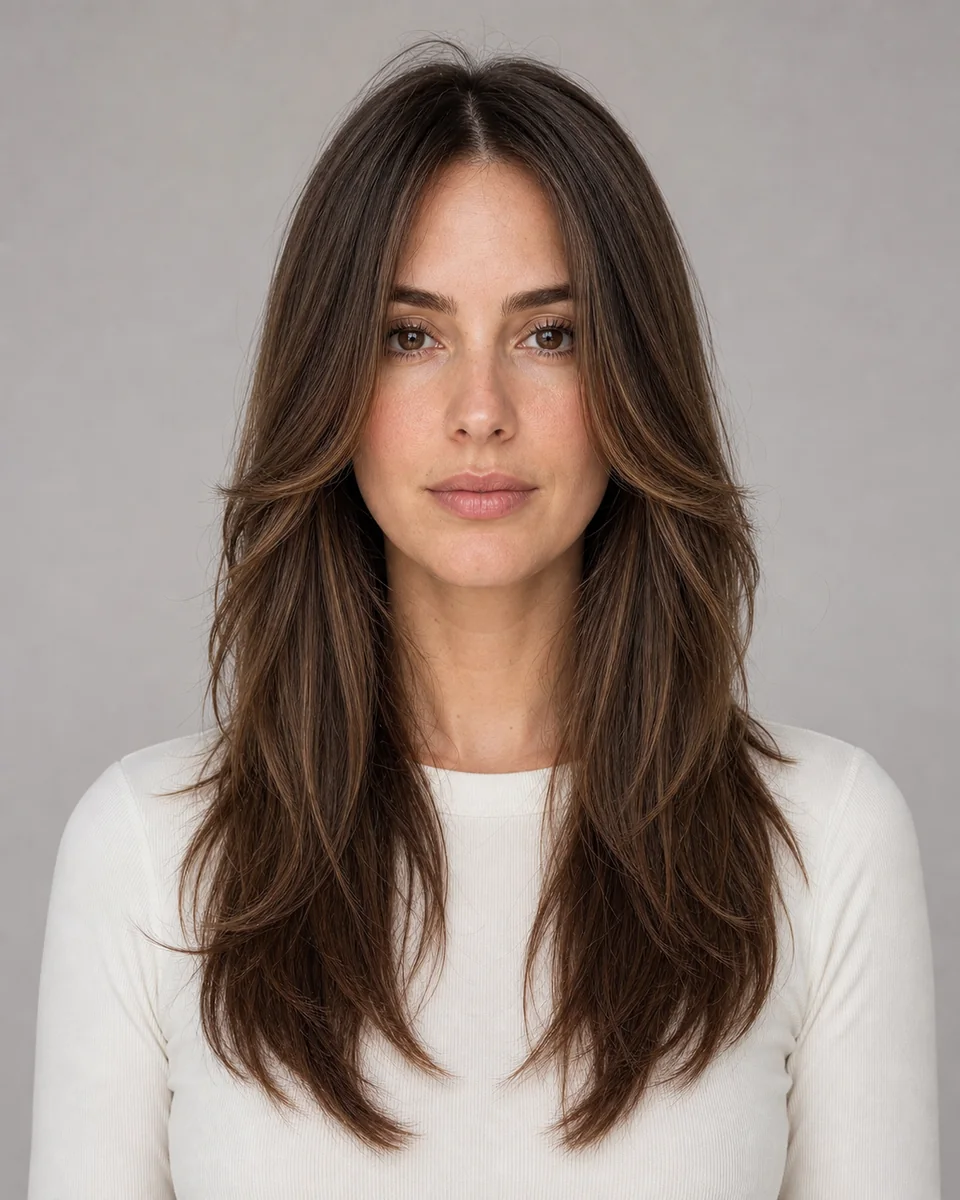
Preview long face-framing layers on your own photo: soft front panels around the face with most of the length kept in back.
This preset is connected to Studio and can create a generation job. The synthetic reference does not claim a real haircut result.
Long face-framing layers keep most of the length while cutting soft panels around the face, so the front moves without losing the overall long shape. This template pairs that front movement with a long, mostly one-length back.
Preview it when you are deciding between a full blunt length and a cut that adds movement near the face. The image shows where the front panels begin, not how the hair behaves in humidity.
They remove weight from the front so the face area moves and opens, while the back keeps most of its length.
The template works best from medium to long hair. The front layers and the long back both need visible length.
Yes, and natural texture usually reads well because the layers follow the hair instead of fighting it.
No. It shows the cut shape only; layer upkeep depends on your texture and growth rate.
Use the preview to compare shape, length, part and volume. Ask a stylist how it translates to your current texture, treatment history and maintenance routine.